Configure SIP Interfaces

Contents
The codec supports dialing over two SIP interfaces simultaneously.
|
Important Notes: 1.SIP1 is enabled and configured to use LAN1 by default, which is mapped to the Primary Via interface by default. 2.SIP2 is enabled and configured to use LAN2 by default, which is mapped to the Secondary Via interface by default. 3.SIP1 and SIP2 each need to use a separate IP interface when connecting, e.g. LAN1 or LAN2. 4.SIP1 and SIP2 can however each make multiple SIP calls, e.g. two calls can be made over SIP1, or two calls can be made over SIP2. 5.Enter a public IP address in the Public IP text box if you want to dial over SIP from behind a firewall. Then configure port forwarding to route traffic to the codec's local IP address behind your firewall. |

To configure SIP1 or SIP2:
1.Connect your codec to a LAN connection with a public IP address, then log in to the Java Toolbox Web-GUI and click the Settings  symbol at the top of the screen to display the Settings panel.
2.Click the SIP button in the top-left corner of the System panel to display the configuration settings for SIP Interfaces.
3.Default SIP settings are configured and you can select SIP1 or SIP2 to adjust each interface. Note: Ensure each interface uses a unique "Via" IP interface because they can't share an interface, e.g. LAN1.
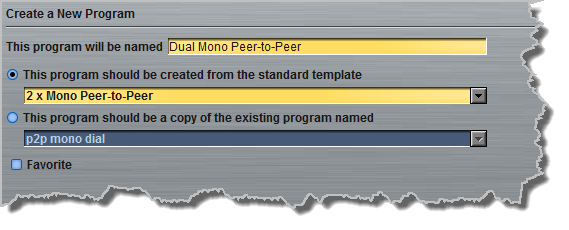
4.Select the Enable check-box to activate an interface, then click the Save settings button to confirm the configuration.
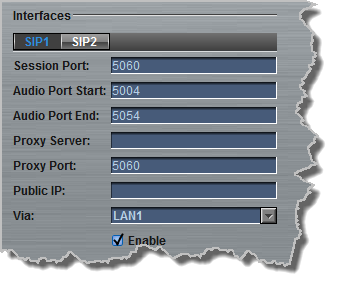
|
Important Notes: The settings for SIP1 and SIP2 cannot be edited if the interface has been enabled. |