Configure Country Setting

Contents
The Country setting in the codec configures country-specific settings like:
•POTS line ring tones.
•POTS line impedance.
•Use of G.711 μ-law for North America and Japan, and G.711 a-law in most other regions of the world (e.g. Europe/Australasia), when the G.711 algorithm is used for IP/SIP or ISDN connections.
To configure the Country setting:
1.Open the Java Toolbox Web-GUI and click the Settings  symbol at the top of the screen to display the Settings panel.
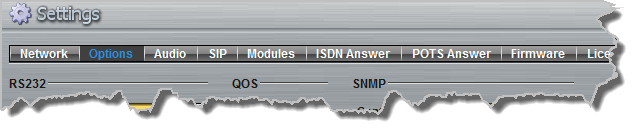
2.Click the Options button at the top of the Settings panel.
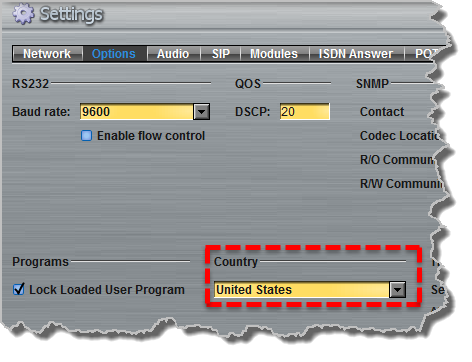
3.Click the Country drop-down menu arrow to select the correct country of operation.
4.Click the Save Settings button to save the new configuration.