Reset Factory Default Settings

Contents
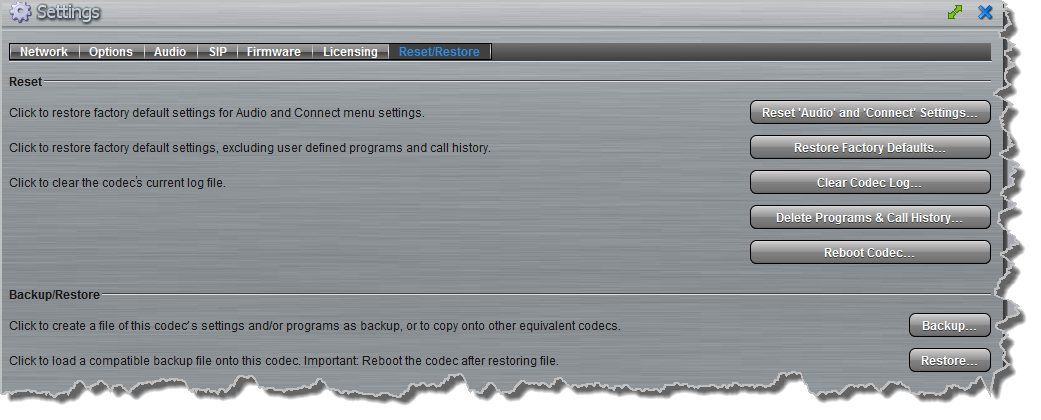
There are several options which allow you to restore factory default settings within the codec. See Reset and Restore Factory Defaults for more details on each option.
1.Open the Web-GUI and click the Settings  symbol at the top of the screen to display the Settings panel.
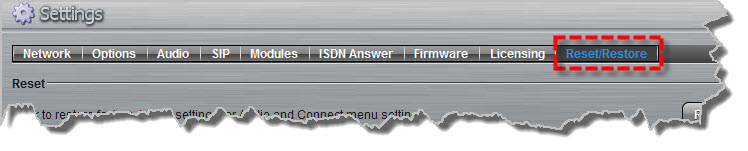
2.Click the Reset/Restore button at the top of the Settings panel.
3.Click one of the four reset options available.
4. A confirmation dialog appears for each option, click Yes to proceed or No to cancel the reset function.
